What is a screen time pet?
A screen time pet is a virtual pet that does well when you spend time away from your phone. Instead of feeding it or tapping it every day, you look after it by putting your phone down. Think of it as an app that rewards you for staying off your phone, with a small creature as the reward.
Search the App Store for “screen time pet” and you’ll find several apps with those words in their names. They share the idea, but they work in quite different ways, and the differences matter more than the art. Here are the main kinds, what to check before you choose one, and how our own app, Foldy Pets, does it.
How a screen time pet works
Every screen time pet links two things: time you spend off your phone, or out of particular apps, and something you can see changing in a pet. It might grow, evolve, earn coins for accessories, or change its mood.
What differs is how the app knows you were away, and what happens when you weren’t.
The main kinds
Pets that read your Screen Time
Many screen time pets use Apple’s Screen Time, with your permission, to follow how long you spend in the apps you pick, often against a daily limit. Stay under the limit and the pet grows or stays cheerful. Go over it and the pet may stop growing or look unhappy.
Pets that lock apps
Some also block the apps you choose. Through Screen Time they put a shield over those apps until a limit resets, a timer ends or you go through an unlock step. If you want a firm boundary, this is the kind to look at.
Pets with a focus timer
Others work like a focus timer with a character: you start a session and the pet grows while it runs. They suit study and work sprints, when you want to know exactly when the time is up.
Pets that rest when your phone does
And some start from the moment you put the phone down. You tuck the pet in, leave the phone alone, and it sleeps until you come back. The app keeps track of its own rest time, so it doesn’t need to read your usage. This is how Foldy Pets works.
What to check before you choose
- What happens on a bad day. Does the pet get sick, sad or wilt when you go over, or does it simply wait for you? Some people want that pressure. Others find it turns one long evening of scrolling into something else to feel bad about.
- What it asks permission for. Apps that read your usage or lock apps need Apple’s Screen Time permission. Look at when the app asks and why, and read the App Privacy section of its App Store page.
- Whether blocking comes with it. If the pet only grows while apps are locked, you are signing up for blocking along with the pet. If you would rather have something gentler, look for a pet that works without it.
- What counts as time away. Some count minutes out of the apps you pick; others count time with the phone put down. Choose the one that matches the habit you want: less time in one app, or real breaks from the phone.
- What the free version includes. Check what you can do without a subscription before you get attached.
How Foldy Pets does it
Foldy Pets is our app, so read this part with that in mind.
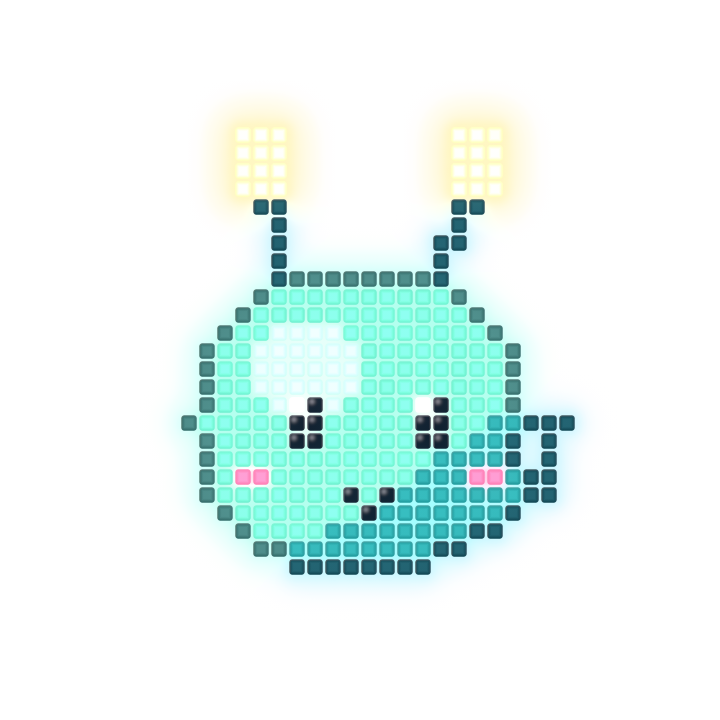
In Foldy, you pick an egg from eight companion lines and hatch a small Pixel creature. To look after it, you tuck it in: with Foldy open, tap Tuck in, lock your iPhone or turn it face down. On iPhone Duo, closing the fold does it. Your Foldy sleeps while you’re away and gathers 1 stardust for every 2 minutes, up to a gentle daily limit.
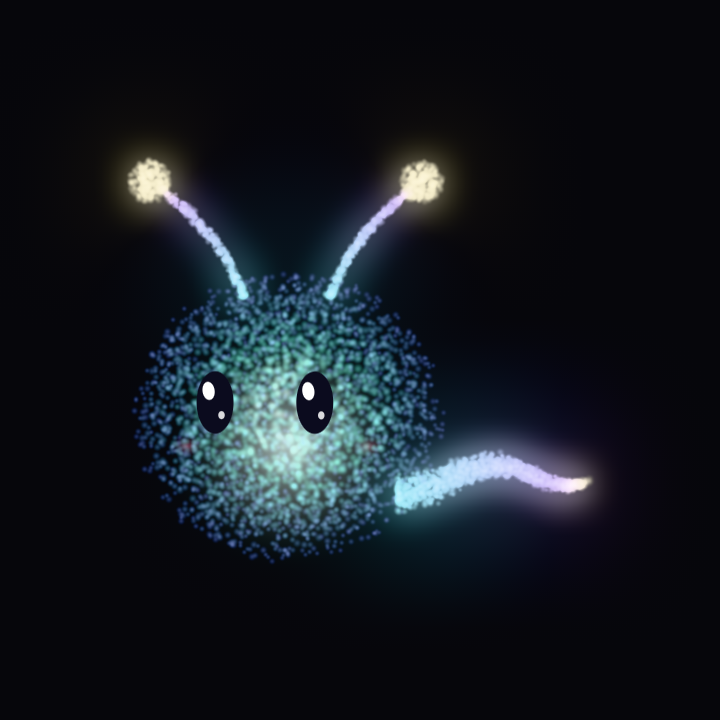
Rest 20 minutes or more and it dreams a constellation for your night sky. Rested hours fill its Glow, until it evolves from glowing pixels into light.
A few things we chose on purpose:
- Your Foldy never gets sick, sad or lost. A missed night never takes progress away, and a rest cut short keeps the stardust it gathered.
- Foldy keeps track of its own rests. It doesn’t read your other apps’ usage history to grow your pet.
- Blocking is optional. Deep Nap, part of Foldy Pro, uses Apple’s Screen Time to put the apps you choose to sleep during a rest, and waking your Foldy ends it at any time. Foldy asks for Screen Time only when you turn Deep Nap on.
Free to download for iPhone with iOS 26 or later.
What a pet can and can’t do
No app can put your phone down for you, and a screen time pet is not a treatment for anything. What it can do is turn “less screen time” into a small moment you repeat: put the phone down, then come back to something that grew while you were away.
If you would rather have firm limits and no pet, iPhone has them built in. In iOS 27, a Screen Time Schedule sets when your apps are available and Time Allowances give categories like Social Media a daily budget. In iOS 26, Downtime and App Limits do the same jobs.
A screen time pet, or a classic virtual pet?
Classic virtual pets ask for daily care: feeding, cleaning, playing. A screen time pet turns that around, because the care is leaving your phone alone. If you like the idea of a little companion, but not of one more app asking to be opened, that is the difference that matters.
Ready to hatch one? Download Foldy Pets from the App Store.