iPhone Duo apps that use the fold.
iPhone Duo is available from 23 October 2026. Open it and most apps simply get more room. Some go further and build on the fold itself: a toaster you close, an accordion you squeeze, a recipe that splits across the hinge.
Here are the ones we found, grouped by what you do with the phone, after a quick look at what iPhone Duo does on its own.
How we made this list. On 17 October 2026 we read the App Store pages of apps that mention iPhone Duo, and kept the ones that say what they do with the fold. Each line sums up the developer’s own description or release notes; the apps Apple showed at its announcement are described from Apple’s newsroom. We haven’t tried these apps, and iPhone Duo isn’t in stores until 23 October, so read each page before you download. Foldy Pets is our app.
What iPhone Duo does in each pose
Apple describes iPhone Duo in poses. Here is what each one is for, according to Apple, before any app from the App Store.
Closed
The 5.4-inch outer display has more than 90 percent of the screen area of iPhone 18 Pro, with essential controls moved to the side. The camera uses it too: Duo Preview shows the people you’re photographing a live preview, Kid Cue plays animations to draw a child’s eyes to the lens, and Duo FaceTime lets people nearby join a call on the outer display.
Open
The 7.6-inch inner display brings Split View to iPhone for the first time: two apps side by side, two windows of the same app, and pairs of apps you can save for later. Held upright, it gives you a wider keyboard, or a video pinned to the top while you use another app.
Seated and standing
Set it down to watch a show or follow a workout at an angle, with the controls along the bottom. Stand it up and StandBy makes it a bedside clock, a photo frame or a widget display, even when it isn’t charging. You can also watch on the outer display at an adjustable angle, or take a FaceTime call hands-free.
Apps Apple showed at the launch
In its iPhone Duo announcement on 9 September 2026, Apple named Netflix, Zoom and Slack as apps already taking advantage of the folding design, and showed Detail:
- Netflix: scroll through Clips on the outer display, then open the phone to watch on the large screen.
- Zoom: the inner display becomes a video conference room, with the shared content and the other people on the call in view together.
- Slack: your whole workspace in view.
- Detail: content creation on the large inner display, with AI models that run on the device through Apple’s new Core AI framework.
Close it: apps for the outer display
- Foldlings: Foldable Friends: a paper-pet game where you fold your phone to fold the paper. Close it and your new friend hops out onto the cover screen to keep you company.
- Periodic Table Chemistry 2026: a quick-reference element inspector on the cover display, and an interactive 3D periodic table on the inner screen when you open it.
- Guitar Wiz - Tuner & Chords: the tuner carries over from the outer display to the inner screen as you open the phone.
Open it: more room, side by side
- Mercury Weather: unfold it to see your locations next to the forecast, and fold it for the familiar iPhone layout.
- Paste – Limitless Clipboard: unfolded, a wider layout with the toolbar arranged as on iPad; folded, the phone layout.
- PDF Editor, PDF Book Reader: books and documents open as a two-page spread across both halves.
- Voice Recorder, Voice Memos: unfold it and your recordings list sits beside the recorder, whether you hold it upright or sideways.
- Spin The Wheel - Pick Me: a bigger wheel with the controls under your thumb, or two wheels side by side, each with its own list.
- Sticky Widgets: an expanded note library and side-by-side editing.
- TV Remote - Universal Remote: several remote pages at once when unfolded, and tabs when folded.
- Split Flap: Display Board: unfold it and the board grows with a cascade of flaps, with the tiles kept clear of the fold.
- DarkWalls: OLED Wallpapers: separate wallpaper versions for the cover screen and the inner screen, each framed so nothing is stretched across the fold.
Half open: a laptop, a book, a small stage
- Headroom: Remote Desktop: half open like a laptop, with your Mac on the upper screen and the keyboard on the lower one, and nothing drawn across the fold.
- Plantry Meal Planner & Recipes: fold it on a recipe and cooking mode takes over; half-fold it sideways and the ingredients sit on one side, the steps on the other.
- Breathe: Relax & Focus: half open on a table, the breathing ball stays on the top half and the controls move within reach.
- Jigsaw: Photo Puzzle Maker: stand it open like a book on the table, and the fold becomes the line between two players’ halves.
- Home Rhythmique: Kids Music: half open, the “up” character sits on the upper screen and the “down” one on the lower, so the fold becomes the line between high and low.
The hinge is the controller
- kami: hinge driven origami: open and close the phone and a sheet of virtual paper folds with it, creases and all. Without iPhone Duo, a fold button does the folding.
- DuoBox: Fold Accordion: hold it open like a book, bass buttons under one hand and treble keys under the other, and fold the phone to work the bellows.
- Valley Run: fold the phone, or tilt any iPhone, to pump higher like a playground swing, with the horizon on the fold.
- Toastie: grilled cheese game: the phone is the toaster. Fold it shut to close the lid, and open it to see how your sandwich is doing.
- InkBlot Duo: ink blots you fold: close the phone to fold the sheet, then rub its back on the outer display with your thumb.
- FoldSketch for Duo: draw on one half, close the phone, and open it to find a mirrored print. Drawing needs iPhone Duo with iOS 27.1 or later.
- Duo Cut: Fold & Paper Art: lay digital paper across the hinge and fold the phone to fold or cut it.
- FleetFold: a naval grid game laid across the fold, the target grid on one half and your fleet on the other, with an optional fold-to-fire setting.
- Fold Protractor: Angle Finder: set the open phone into a corner and read the hinge angle in big numbers, with rulers along the long edges of the inner display.
- Angle Gauge: the hinge as a protractor, read against true level. Its measuring modes need iPhone Duo with iOS 27.1 or later.
Foldy Pets: a pet you tuck in with the fold
Foldy Pets is ours. It is a virtual pet you look after by leaving your phone alone, and on iPhone Duo the fold is how you do it.
- Close the fold with Foldy open, and your companion curls up on the outer display and falls asleep. A rest begins.
- Open it a crack to peek in. Your Foldy opens one sleepy eye, and settles again when you close it. You get one look per rest; a second look wakes it.
- Unfold it to wake your Foldy. After a rest of 20 minutes or more, it has a dream to show you: a constellation for your night sky.
- Stand it half open and its little room stands up too. With Foldy Pro, a half-open iPhone Duo becomes a Nightstand while you rest and charge.
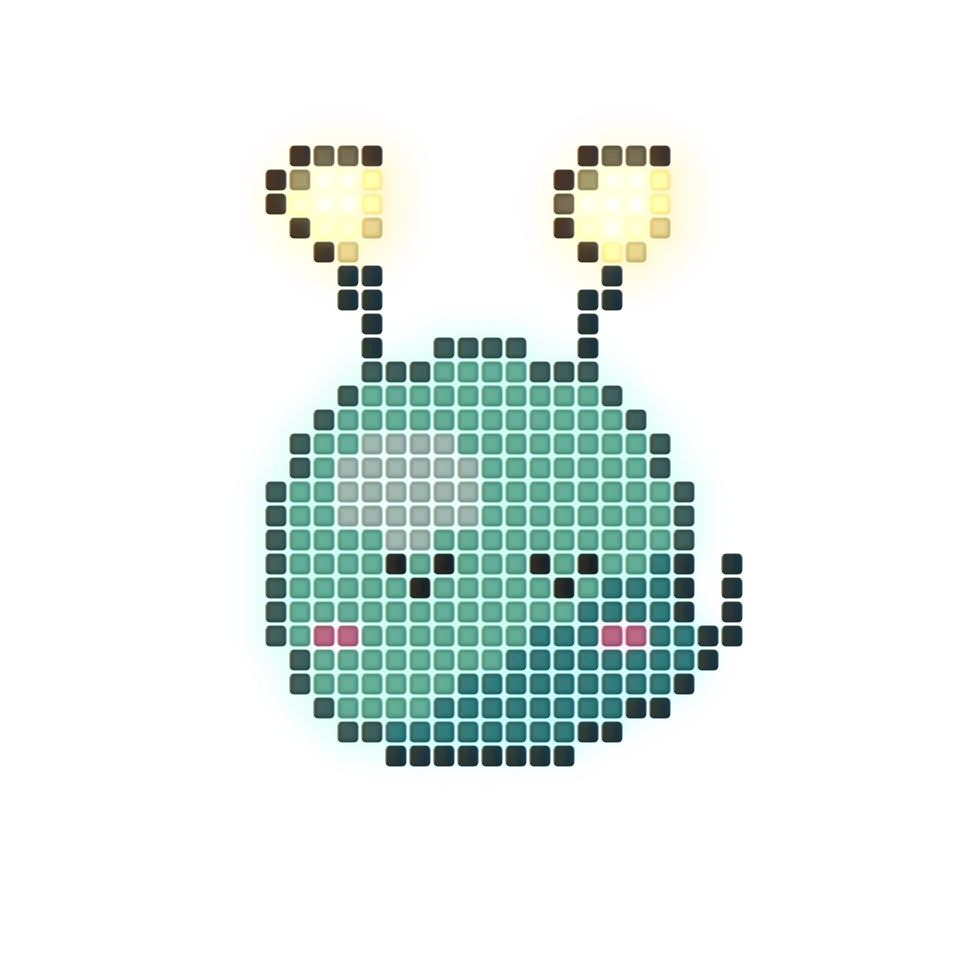
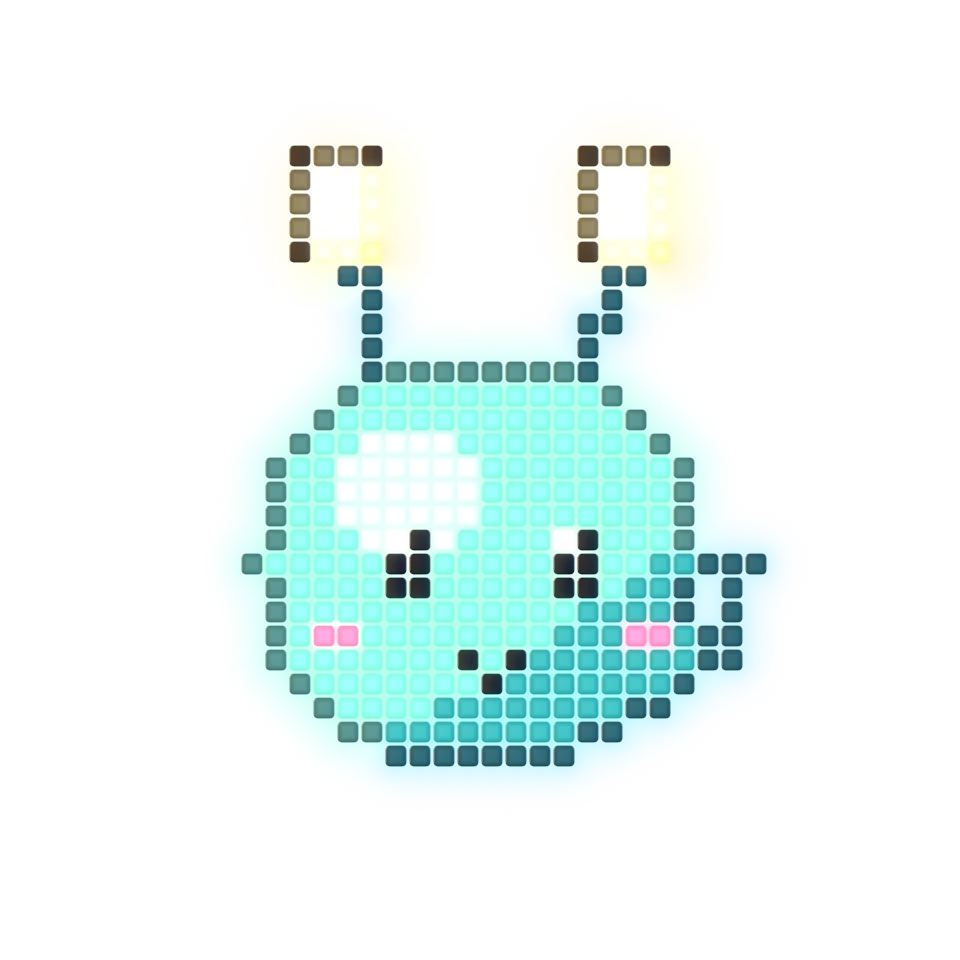
We designed and tested these fold features in Apple’s iPhone Duo simulator, and haven’t tried them on the real phone yet. More about Foldy on iPhone Duo.
Free to download. It works on every iPhone with iOS 26 or later, too.
How to check any app
Open the app’s page on the App Store and look for iPhone Duo in its description or under What’s New. That is where developers say what they have built for the fold, and it is how we made this list.
Ready for the first fold? Download Foldy Pets from the App Store.
Sources
- Apple Newsroom, “Apple unveils iPhone Duo”, 9 September 2026.
- Apple, iPhone Duo: the poses, the outer display and StandBy.
- Each app’s page on the US App Store, linked above, read 17 October 2026.